Monday, October 31, 2016

Bird Boxes

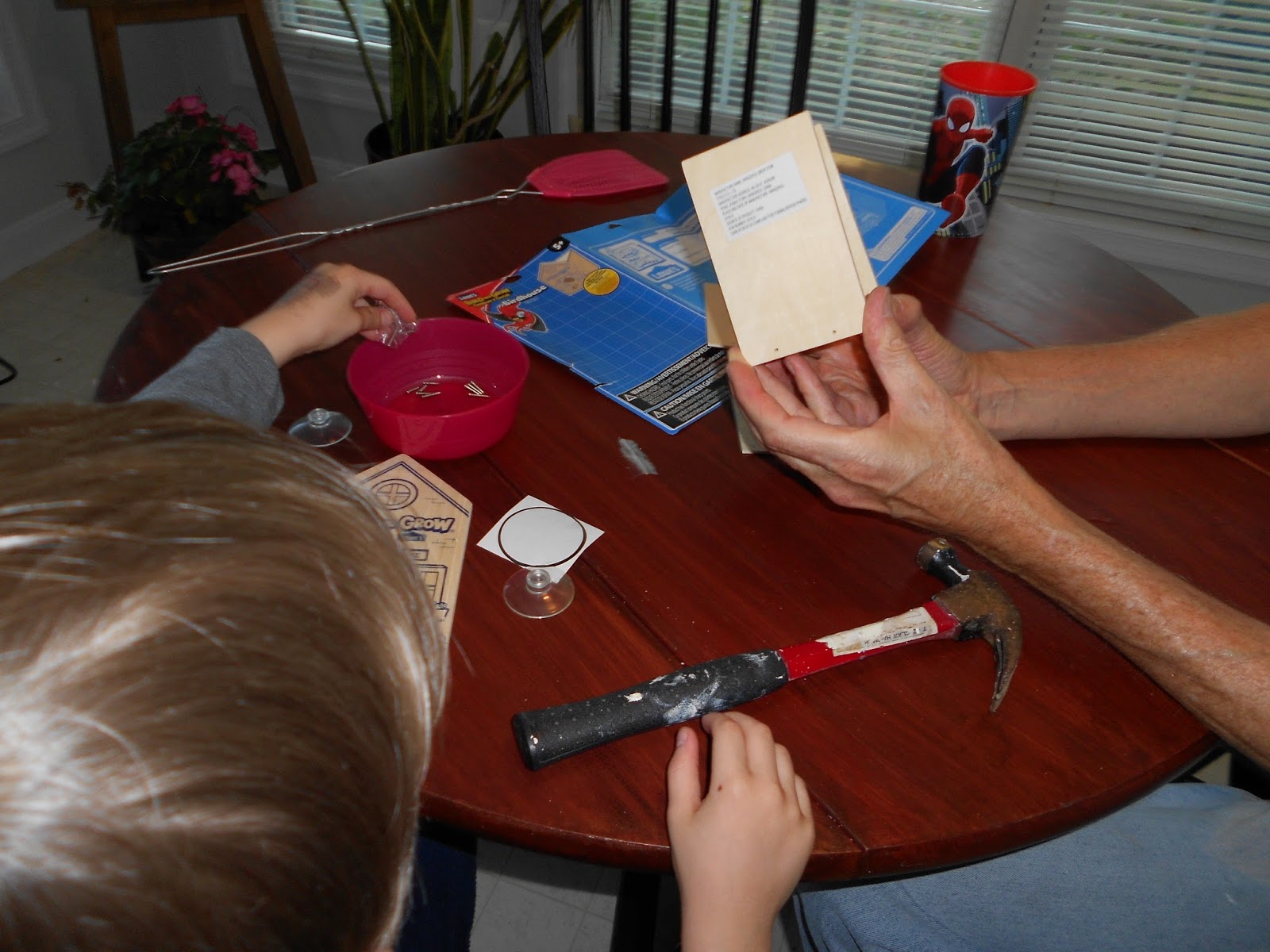
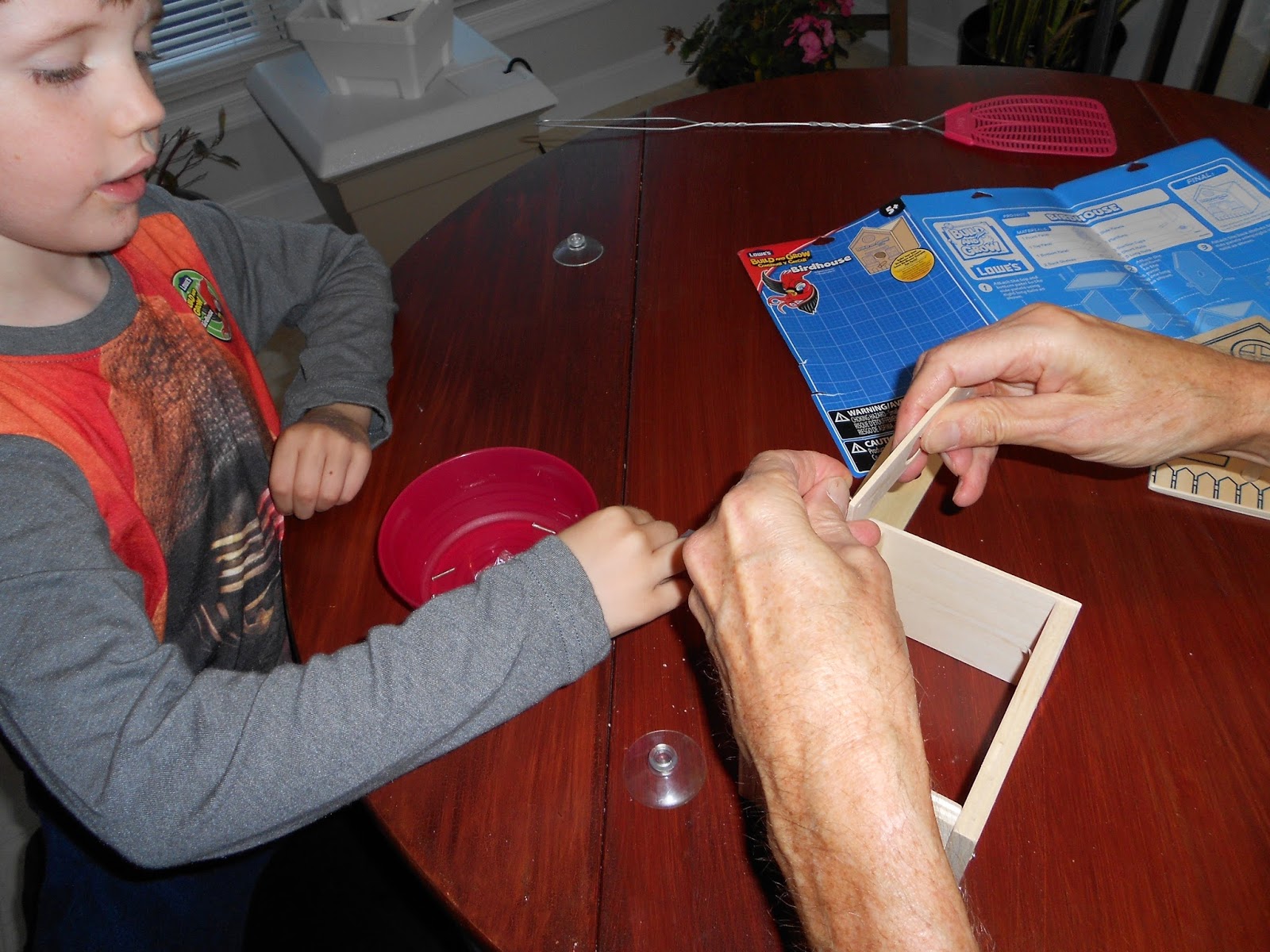
Want a good project?  Try bird boxes. Kids can build all types and track the birds which next in them.  I'm in the process of grant writing--which means research.  I'm planning on adding bird houses to an environmental project because kids love to build bird houses.  I've used this bird nesting box kit and this alternate nesting box kit from Carolina Biological.  Both versions are fairly easy to build.  Lowes has a bird house kit, too.  The Lowes kit retails for about $10; the bird house kits from Carolina are about $14 each.  So, we tried the Lowes kit with our favorite six year old, Paul.  The holes are predrilled.  The design is a simple box.  My only issue is that the nails are tiny!  Rob and Paul built the bird house in about an hour.  So, I think elementary kids could construct these kits with minimal direction.  We used markers to decorate the birdhouse because they're less messy. The kits from Carolina are more substantial--but this was easy to build.    Here is a photo of my teens building bird boxes.  Here's a shot of a completed bird box hanging in the woods behind the school. Want more on birds?  Try Cornell.  They are experts in all things bird.


Saturday, October 29, 2016

Let's Build Catapults!

I'm helping my husband teach a Physics class.  I know how to teach and he understands the physics--not my area.  We're going to start a unit on projectile motion with catapults.  You may want to make catapults, too!  They are a great means to teach some engineering.  Our lab next week is based on this projectile lab challenge.  We are focusing on both questions from the challenge and allowing our class to experiment with a variety of catapults using craft sticks, plastic spoons, rubber bands, protractors, marshmallows, rulers, and a glue gun.  This basic design has solid instructions.  This site has 15 more ideas for catapults.  Teach Engineering has a complete lesson for catapults with slideshows.  Make it a challenge!  BTW, the author of this catapult design created these for Cub Scouts.  Fun, right?

Saturday, September 17, 2016

Get a digital scale for science labs.

I know how expensive tools are for science.  One essential tool is an electronic balance.  My bigger one had died during our recent move.  So sad!  I was digging in the basement through bins, searching for the ring stand.  I had packed all of my science equipment and labeled everything.  My husband, Rob, didn't like how I had packed.  He repacked everything in the garage and labeled the bins: Science Camp.  Every. single. one.  Rob isn't that into science.  I've had to scour every bin to locate equipment; Chemistry is mixed with Biology, etc.  So, when I was scouting for the ring stand and extra rulers, I chanced on my miniature, digital scale, perfect for weighing hot wheels cars, density blocks, and marbles.  How do I know it's accurate?  I used the density blocks; there are instructions for calibrating the scale; but, I don't have a 500 gram calibrating weight.  The digital scale I bought from Amazon was under $10 and weighs up to 600 grams.  I used it before for Chemistry to weight small samples.  Use a cupcake paper as weigh paper.  I know!  I just weighed the block directly on the scale!  Okay, cars and marbles can be placed right on the scale and weighed.


Graphing Calculators

Yes, I'm back on my technology band wagon.  I want home-school families to be on par with their peers when they head to college, in terms of their technology.  Many high schools use graphing calculators. Let's level the playing field.  First, contact the local high school and make an appointment with the Chair of the math department.  Ask the Chair if a math teacher would be willing to instruct a group with the graphing calculators.  Most high schools now have suitcases of TI 83 or TI 84 graphing calculators (or TI Nspire with dual keyboards.)  See if the school will host a seminar after school with some basic instruction.  If the local school district is hostile to home-school families, try to locate a math teacher who is familiar with the graphing calculators and willing to provide instruction off site.  TI-Cares is the customer support branch for TI instruments, including graphing calculators.  TI-Cares will loan graphing calculators and the Viewscreen to project the calculator screen.  (This is requires an overhead projector.)  Math teachers also use a digital camera to project the calculator, which allows students to see how to hit the keys.  If the math teacher knows how to use a graphing calculator, you can borrow the calculators (for up to three weeks) and get the instruction.  TI-Cares loans the calculators for teacher workshops.  Perfect!  Have the students and their parents attend the seminar and return the calculators.  Ask the math teacher to demonstrate the apps, the Stat function, the algebraic functions, etc.   Now what?  There are several sources for graphing calculators.  Yes, GoodWill is a gamble; I've had very good luck.  I even located a View graph from ShopGoodWill.  (The one listed here is for TI81, a much older graphing calculator. But, my point is to start at GoodWill.)  Try to buy a TI84; it can be used with EasyData software, preloaded on to the graphing calculator, to collect data with sensors that connect directly to a port on the calculator.  Another option is download a graphing calculator app to your tablet.  I bought one for my iPad for $5.99.  I'm not sure how reliable this free app is.  Time will tell because all of the guys in the Physics class are using these apps.  Beginning on Tuesday, I'm going to teach the kids how to use the graphing calculator to analyze the data.  Yes, I bought the calculator, ViewGraph, and overhead projector from ShopGoodWill, altogether for under $100.  Below is the apparatus; I set it up in my kitchen to test the overhead projector.


Thursday, September 15, 2016

Digital Portfolio

Today, while driving, I thought about keeping a digital portfolio.  Just as in the last post on density, I encourage the home-school families to take photos and screenshots as records, particularly for the labs.  The kids took screen shots of the sparkvue lab and emailed themselves copies.  The combination of photos, screenshots, lab hard copies, and written summaries make a compelling set of artifacts for any portfolio.

Monday, September 12, 2016

NSTA Review: Why Do Cars Need Gas?

Yes, I review many children's books for NSTA.  Here's the latest.  My question is 'Why are these children's books so expensive?  $26.60?

Q&A Life's Mysteries Solved: Why Do Cars Need Gas And Other FAQs About Machines, by Amy Hayes, is an introduction to simple machines and early machine innovations, part of a series called Q&A Life's Mysteries Solved.  I like that the book immediately answers the question of why, exactly do cars need gas (pp. 4-5) before launching into a discussion of other machines, such as how an airplane flies (pp. 6-7).    This book poses a number of questions, 'How do skateboards turn?'(p. 12), 'Why do phones need to be charged?' (p. 16), and 'Who invented the vacuum?' (p. 22).  Did you know people once paid $4 a pop to have their house vacuumed? (p. 22). These are interesting questions for elementary aged children with clear answers.  Apart from being machines, the questions do seem a bit disparate.  But, I'm a sucker for interesting facts, such as the first electronic computer was built at the University of Pennsylvania (p.15) or that the first electric wind turbine was called the Brush Machine (p. 28). The diagrams, photos and explanations are appealing and will keep children turning the pages.  There's a glossary, index, and resource page (pp. 30-32) at the back.  Knowing how many children enjoy books with facts, this will make an excellent addition to any library.

Saturday, September 10, 2016

Notes A New Way!

Many home-school families use journals and lapbooks.  Check out this article from WSJ The Tech-Savvy To-Do List: A Bullet Journal.  Many of us have a system of notes, like light bulbs, stars, or items circled.